

WiFi Cameras
-
Product
range - Guide

GUIDE
Frequently asked questions from our customers (FAQ)
What is a Wi-Fi camera?
A Wi-Fi camera is a surveillance camera that does not need a cable for transmitting video and audio. The term WLAN comes from English and stands for Wireless Local Area Network, which translates into German as: Drahtloses Lokales-Netzwerk.
How does a Wi-Fi camera work?
The Wi-Fi function of a surveillance camera is usually already activated in the camera's settings, so that it automatically receives an IP address from the router via DHCP. If this is not the case, the Wi-Fi camera must first be connected to the router via a LAN cable, and the Wi-Fi function activated using a PC via the browser. To connect to a surveillance camera via Wi-Fi, the target devices such as PCs, tablets or smartphones must be on the same network. It makes no difference whether the target devices are connected to the network via LAN or Wi-Fi. Remote access to Wi-Fi surveillance cameras is also possible via various apps, depending on the manufacturer.
How far does a Wi-Fi camera reach?
The range of Wi-Fi is from 10 meters up to a maximum of 35 meters, which is often not sufficient for video surveillance. The range of a Wi-Fi surveillance camera can also be greatly reduced by local conditions such as reinforced concrete walls, a wet wooden facade, too many devices on the network using Wi-Fi, etc. Neighboring Wi-Fi networks can also have a negative effect on range. Wi-Fi surveillance cameras use the 2.4 GHz radio frequency band, which most Wi-Fi-capable devices in a Wi-Fi network also use. This affects not only the range of the camera, but also the uninterrupted image transmission from the camera.
Which ports should be opened for a Wi-Fi camera?
For access to a surveillance camera over Wi-Fi, the standard port 80 should be opened. Many manufacturers already have port 80 open in the factory settings of their surveillance cameras.
Attention! If the Wi-Fi camera is operated via a LAN cable (wired), we strongly recommend disabling the Wi-Fi function!
Which Wi-Fi camera for a Fritzbox?
All Wi-Fi surveillance cameras can be connected to a Fritzbox regardless of manufacturer. It is only necessary to ensure that the Fritzbox is set to a Wi-Fi frequency of 2.4 GHz. Only the setup of the surveillance camera depends on the manufacturer. With one manufacturer it is easier, and with another it is a little more difficult. Reputable camera manufacturers take more time to configure the Wi-Fi camera so that the camera is secure within the Wi-Fi network.
What does a Wi-Fi camera mean for a surveillance system?
Wi-Fi surveillance cameras are used in video surveillance merely as a supplement for special applications where transmission via a LAN connection is not possible or is very costly. However, one should always keep in mind that this is a security application that must function reliably in all situations. For this reason, in professional video surveillance, a Wi-Fi camera is recommended only very rarely or not at all. The reason is the unreliable and insecure transmission path of the Wi-Fi camera, which ultimately weakens the functionality and security of the entire video surveillance system as such.
Why is Wi-Fi transmission very insecure?
This type of transmission is a wireless transmission (through the air) of data from the Wi-Fi camera to the router or NVR (network video recorder). The Wi-Fi signal of the Wi-Fi camera is scattered in all directions, and anyone can easily identify the camera on the network with a network scanner and manipulate it accordingly. Wi-Fi transmission is also highly susceptible to active interference. An attacker with limited knowledge could, for example, be able to disrupt the Wi-Fi camera, disable it, or even intercept the image transmission. It is therefore very important to ensure encrypted Wi-Fi transmission between the individual devices on the network. Correct router configuration, open ports, etc. also play an important role here.
For a complete system, the so-called Wi-Fi surveillance kit, care must also be taken that the transmission is encrypted, which is often not the case with many inexpensive kits. Despite all security measures, Wi-Fi transmission remains susceptible to interference.
Range of the Wi-Fi Camera and What to Consider During Installation.
The transmission range of a Wi-Fi camera always depends heavily on the wall construction and the conditions on site. Accordingly, range specifications from reputable manufacturers are always cautious and presented as "range in open air." Precise figures cannot reliably be given by anyone who does not know the wall construction on site (wood, steel beams, etc.). Wooden facades, for example, are very treacherous. The Wi-Fi range should be measured before installation to determine whether it is sufficient for transmission. You mount the camera and suddenly, when it rains, the image transmission is constantly interrupted. What causes this? The Wi-Fi camera? Usually not. It is because the wood on the facade gets wet and, due to the moisture, becomes impenetrable for Wi-Fi transmission. Existing wood in the walls or facade is in any case not particularly conducive to Wi-Fi transmission. But if it also gets wet, this impairs transmission to such an extent that data can no longer be received, or only with major delays. Likewise, when furniture is rearranged within the property, for example, the transmission from the router to the Wi-Fi camera can suddenly be affected. Therefore, interference in Wi-Fi transmission can be very complex and cannot be foreseen by the manufacturer.
Types of Wi-Fi Cameras
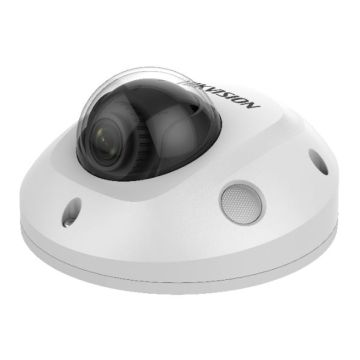
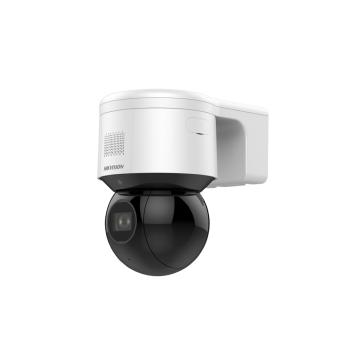
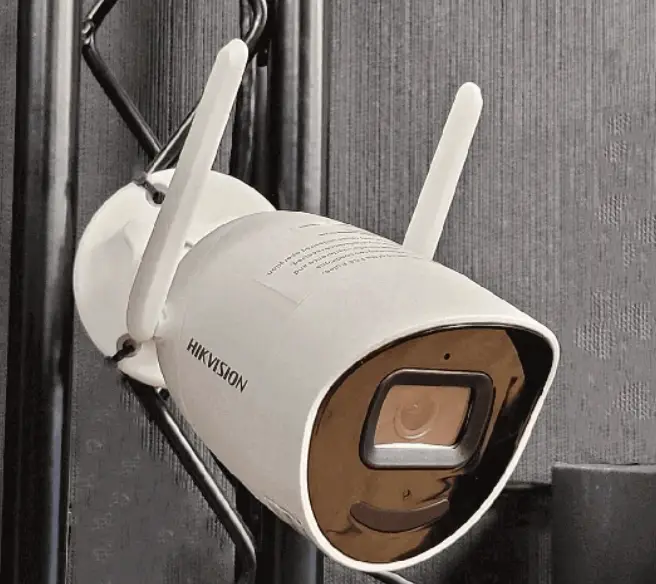
Wi-Fi cameras are available from various manufacturers in different designs such as bullet, fixed dome, cube and PTZ dome, with and without an antenna outside the camera.
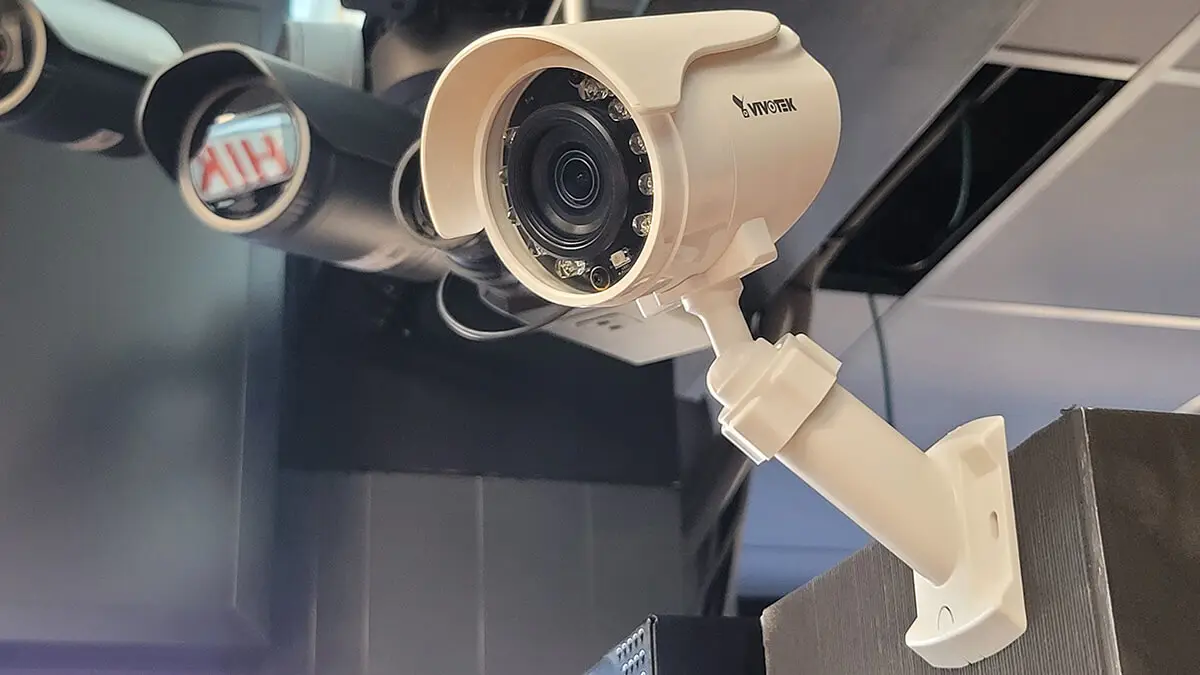
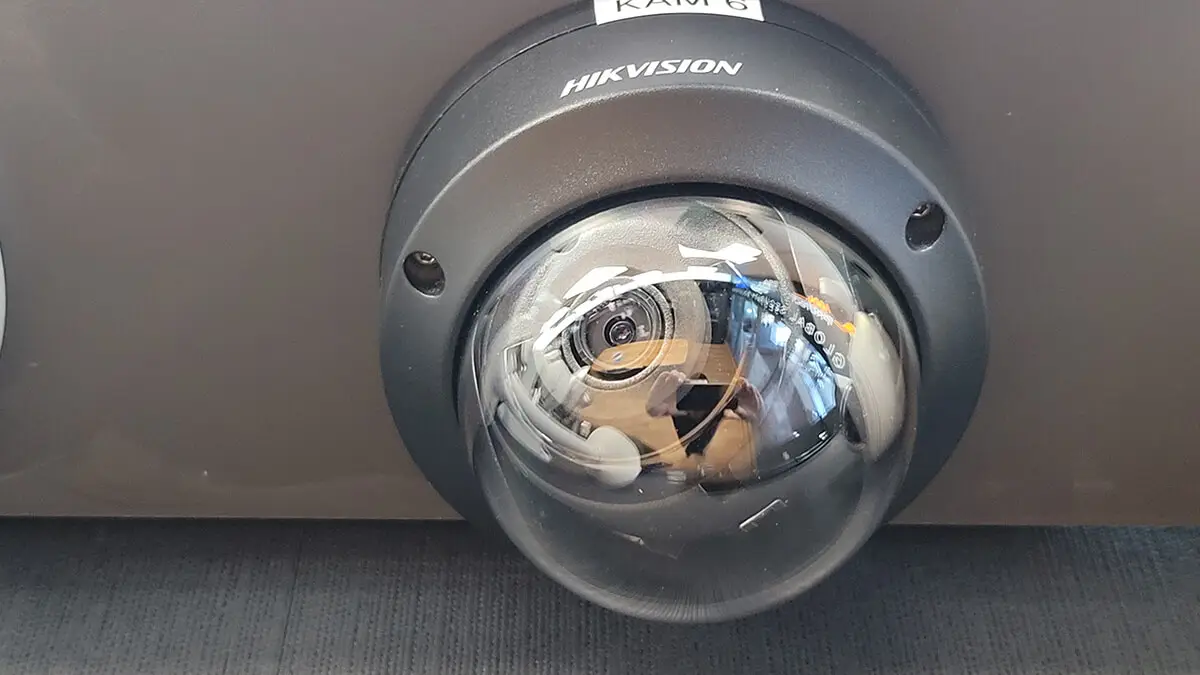
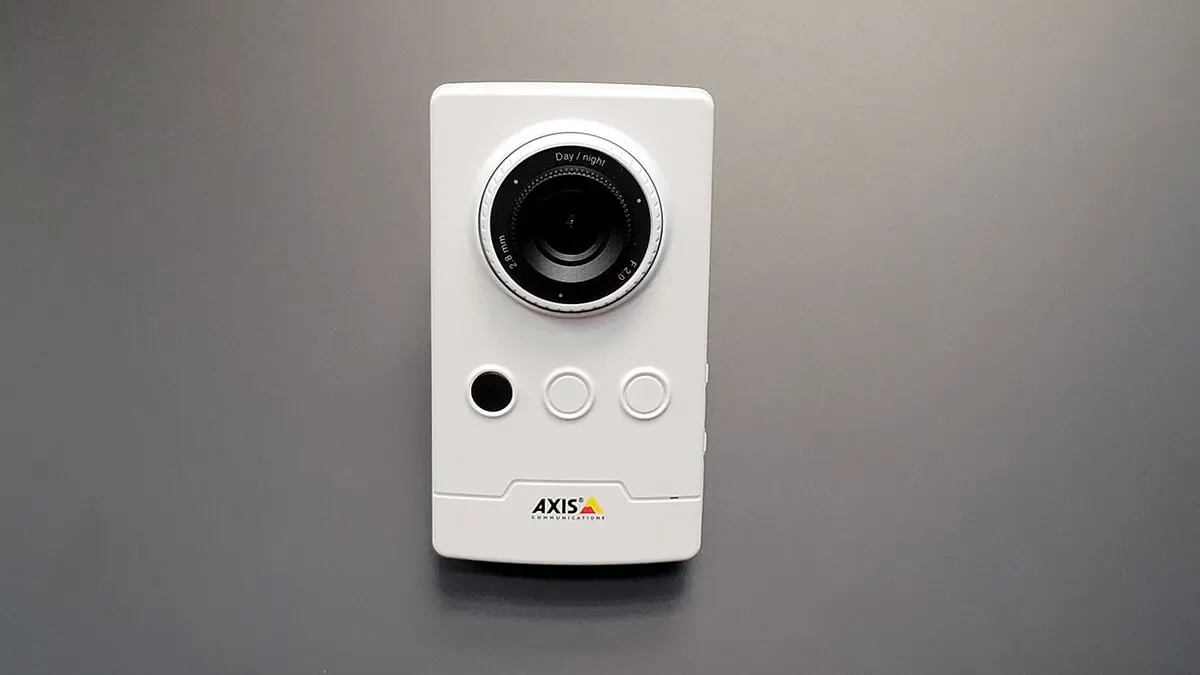
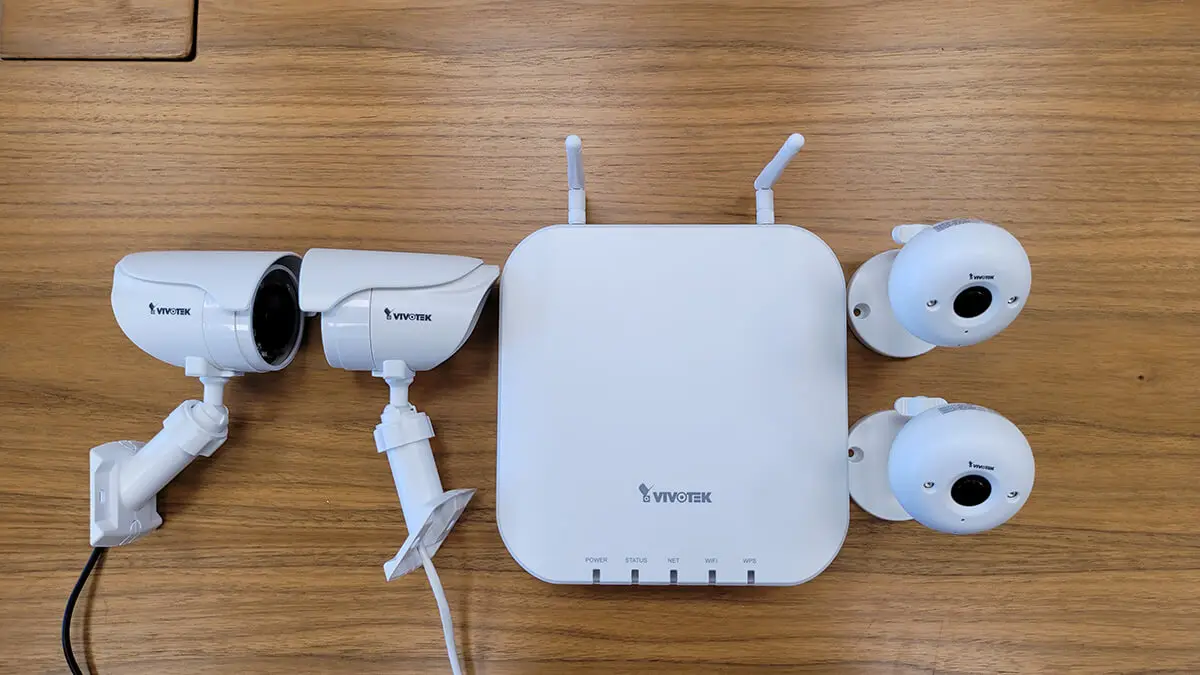
The invisible antenna located inside the camera has both advantages and disadvantages. The advantage is that the Wi-Fi camera is not immediately recognized as such by an intruder. The disadvantage is that Wi-Fi cameras with an integrated antenna inside the camera usually have an even more limited Wi-Fi range. That is why we advise against Wi-Fi cameras from German Protect ESA GmbH, or if at all, only those with an antenna outside the housing. In general, we advise against Wi-Fi transmission for reliable video surveillance.
Resolutions of the Wi-Fi Camera
As for the resolution of Wi-Fi cameras, they are available on the market from various manufacturers with resolutions from 1 megapixel to 6 megapixels. However, a maximum resolution of up to 4 megapixels is rather recommended.
Likewise, compared with a wired camera, a Wi-Fi camera is extremely inferior, not only because of transmission unreliability and security aspects but also because of its limited megapixel options.
Installation and Commissioning of the Wi-Fi Camera
When installing a WLAN camera, the WLAN range and transmission quality must be determined beforehand. Objects such as gutters, which can scatter the WLAN signal, must be taken into account. The condition of the walls and facade must also be checked to ensure flawless WLAN transmission.
When commissioning a WLAN camera, note that with many manufacturers it can first be programmed and configured via LAN. This issue can be solved by first connecting the camera to the router via a LAN connection. For this, the power supply for the camera must be provided by means of a switch, a PoE injector or an external DC power supply, since a router usually does not have a PoE port.
Conclusion: WLAN cameras are a convenient alternative for setting up a makeshift video surveillance system. However, because transmission depends heavily on local conditions, they are too unreliable and technically too limited for a proper surveillance system.
We at GermanProtect - ESA GmbH only recommend a WLAN camera if a wired camera would be extremely difficult to install. Keep in mind that the term “security system” is a long way from “secure” when it comes to a WLAN camera.