

NETWORK TECHNOLOGY
- Categories
-
Product
range - Guide


GUIDE
What does the term network mean in security technology?
A combination of connections between multiple security components, whether in video technology (consisting of network video recorder (NVR), video server, clients and cameras) or alarm technology (display devices and keypads such as input devices, management and control of alarm panels and their sensors and components), all of which communicate with each other and control one another, is referred to as a network. For such a network in the field of surveillance technology, various components are available that communicate with each other via network protocols (TCP/IP) and thus form a network topology (comparable to a map).
An essential component of a video surveillance network infrastructure is, for example, the video server, which can control several NVR network video recorders and acts as a central computer within the network. Likewise, several so-called clients (individual PC terminals) can operate in a video surveillance network, each accessing a platform video management software (VMS) via the video server in order to view the data, images or video sequences of multiple decentralized NVRs (in different buildings or localities) and the surveillance cameras programmed there.
Which network types exist and how does a security technology network work?
We basically distinguish between two different network types: LAN (Local Area Network, a local network) and WAN (Wide Area Network, a wide area network).
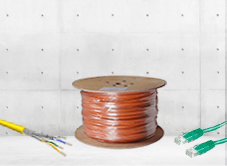
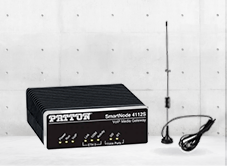
Based on the so-called network protocols (the language between network components), communication and data exchange within the network take place via CAT cables (wired cables / network cables), fiber optic cables (LWL: Light Wave Conductor) or Wi-Fi. The data are sent back and forth as data packets by the components located in the network. The data are relayed by the router via the gateway, quasi the "data highway" within the network. In the network, the router is responsible for correctly addressing (routing) the requested data to the respective device. It is one of the most important components within the network and enables the connection to the outside via the internet.
The router can, under certain circumstances, assign and manage IP (Internet Protocol) addresses via DHCP (Dynamic Host Configuration Protocol). In the field of video surveillance, it is recommended to assign fixed IP addresses to each component within the network and to create a network topology. Equally important in video and network surveillance technology is the so-called MAC address. The MAC address provides data about the respective network devices within the network, which are important for identifying them. Simply put, the MAC address provides the "who am I" information and the IP address the "where do I live" information of a device in the network.
The paths of the connections within the network are set by a switch, which not only connects several devices with each other but can also control and prioritize the frames, depending on its equipment (managed / unmanaged) and programming. For video surveillance, a switch is also an important component within the network and can, for example, supply cameras with power via PoE (Power over Ethernet / power supply over CAT cable) over a cable length of up to 90 meters. Switches can have a power budget of up to 750 watts with 24 ports (inputs).
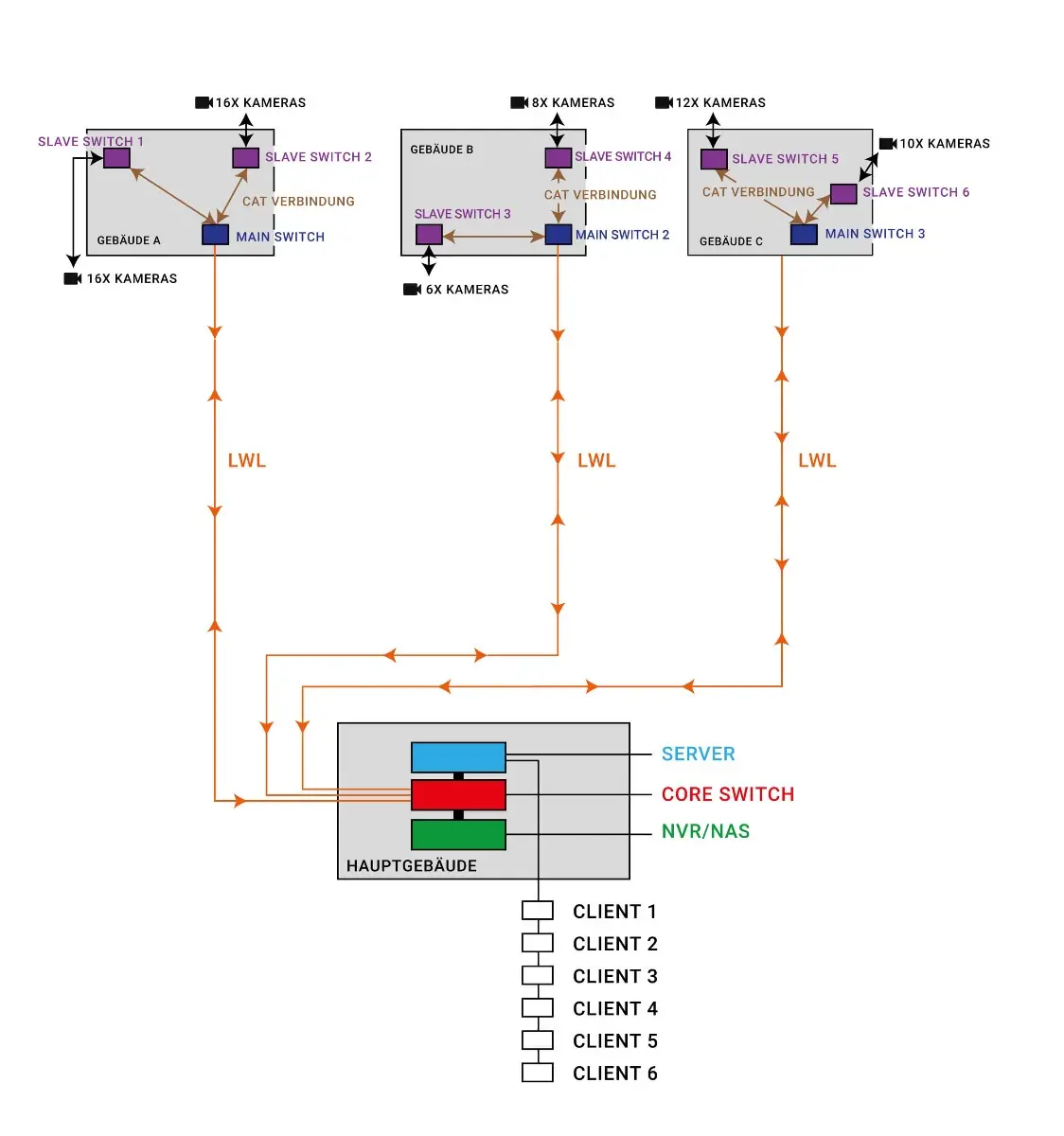
In video surveillance technology for more complex systems that are spread across several buildings over a large site, a distinction is made between:
- Slave PoE switch: This is where the respective cameras of one floor are connected.
- Main switch without PoE: Combines several slave switches.
- Core switch without PoE: Combines and controls several main switches via fiber optic cable (LWL).
The following illustration shows an example of a complex network infrastructure for a large surveillance system.
Security for a video surveillance network
Disadvantages in network technology exist only with regard to security, and this very often depends on the configuration and the transmission paths. As specialist installers of security technology, we recommend against transmission paths via Wi-Fi, which is highly vulnerable in terms of security. Why is that? Wi-Fi networks can, for example, be cloned by hackers despite passwords or encryption, and then decrypted at leisure. From a security perspective, we therefore exclusively recommend connections between the components via LAN, i.e. wired. After all, our motto as specialist installers of complex video surveillance systems is: a security system can only be as secure as the weakest link in its chain. Of course, a LAN connection is no free pass to a secure network infrastructure if security-relevant features are ignored, such as secure passwords (at least 8 characters with digits as well as upper- and lowercase letters) and, above all, different passwords for the different devices in the same network. Encryption as well as the correct and complete programming of device authentication are also relevant. Likewise, the connection of the network or surveillance system to the outside internet via a router must not be overlooked, for example by manually blocking the ports that are not needed.
Passive and active network components
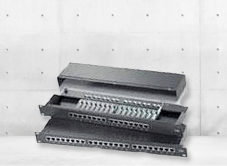
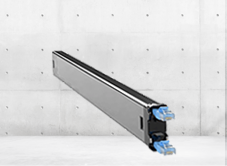
A network infrastructure is divided into passive and active components. Active components are equipped with their own logic, while passive components are almost always permanently installed and have no logic of their own. The so-called passive network components include, for example, the cabling and plugs, connection boxes, or the patch panel that is mounted in a network cabinet for building complex cable connections. Examples of active network components with their own "intervention or control capabilities within the system" are: servers, NVRs, media converters, routers, switches, transceivers, NAS (storage), etc. For a well-functioning network, the correct programming of the active network components is very important, but at least equally important is the proper installation of the passive components. In a network of a certain complexity, all components must work together flawlessly.
A tip from German Protect for other installers.
For more complex network infrastructures for a video surveillance system, care must be taken to completely record the designation/MAC address, including the IP addresses of all components, in the network topology directory from the beginning to the end of the setup. The network topology is an efficient and indispensable aid for quick troubleshooting in the event of a failure, as well as for maintenance afterwards, or for the maintenance technician.
Our technicians are happy to answer any questions you may have.